For photo editing apps
App Store screenshots for photo editing apps
Photo-editing screenshots are the easiest category to prove and the easiest to fake badly. The whole pitch is before and after — show a flat phone snap transformed into something striking, and the buyer instantly gets the value. The failure mode is showing the toolbar instead of the result: nobody downloads an editor for its slider panel, they download it for what their photos could look like.
What converts
What works for photo editing apps
A clear before/after — the single most persuasive shot type this category has.
One stunning finished edit on the hero, full-bleed, so the result is the first thing seen.
Headline copy promising the transformation ("Make every photo look shot on film"), not the toolset.
Toolbar-and-slider screenshots as the hero — proves the work, not the payoff.
Over-processed, obviously-fake edits — the buyer wants believable magic, not Instagram-circa-2012.
A grid of filter thumbnails — reads as feature inventory, not as a result worth wanting.
Headline patterns
Headlines that work on photo editing apps
The hero headline does more conversion work than the artwork behind it. These three patterns are the ones that keep landing for photo editing apps — an outcome with a number in it, a single daily moment, and a promise the buyer can picture. ShotStudio writes yours from your one-line pitch, then every line is click-to-edit on the preview.
- Shot 01
“Studio edits in three taps”
- Shot 02
“One preset, your whole roll”
- Shot 03
“RAW to ready in a minute”
Same rule everywhere in the carousel: shot 1 sells the outcome, shot 2 shows the workflow, shot 3 shows the differentiator.
Preset · Bold
The bold preset, applied
ShotStudio defaults photo editing apps to the Bold personality preset. Voice: punchy, direct, single verb hooks. Typography: oversized display sans, sticker-energy, headlines first. Theme and palette are sampled from your uploads, so the marketing matches your actual app — override the personality on the wizard step if you want a different one.
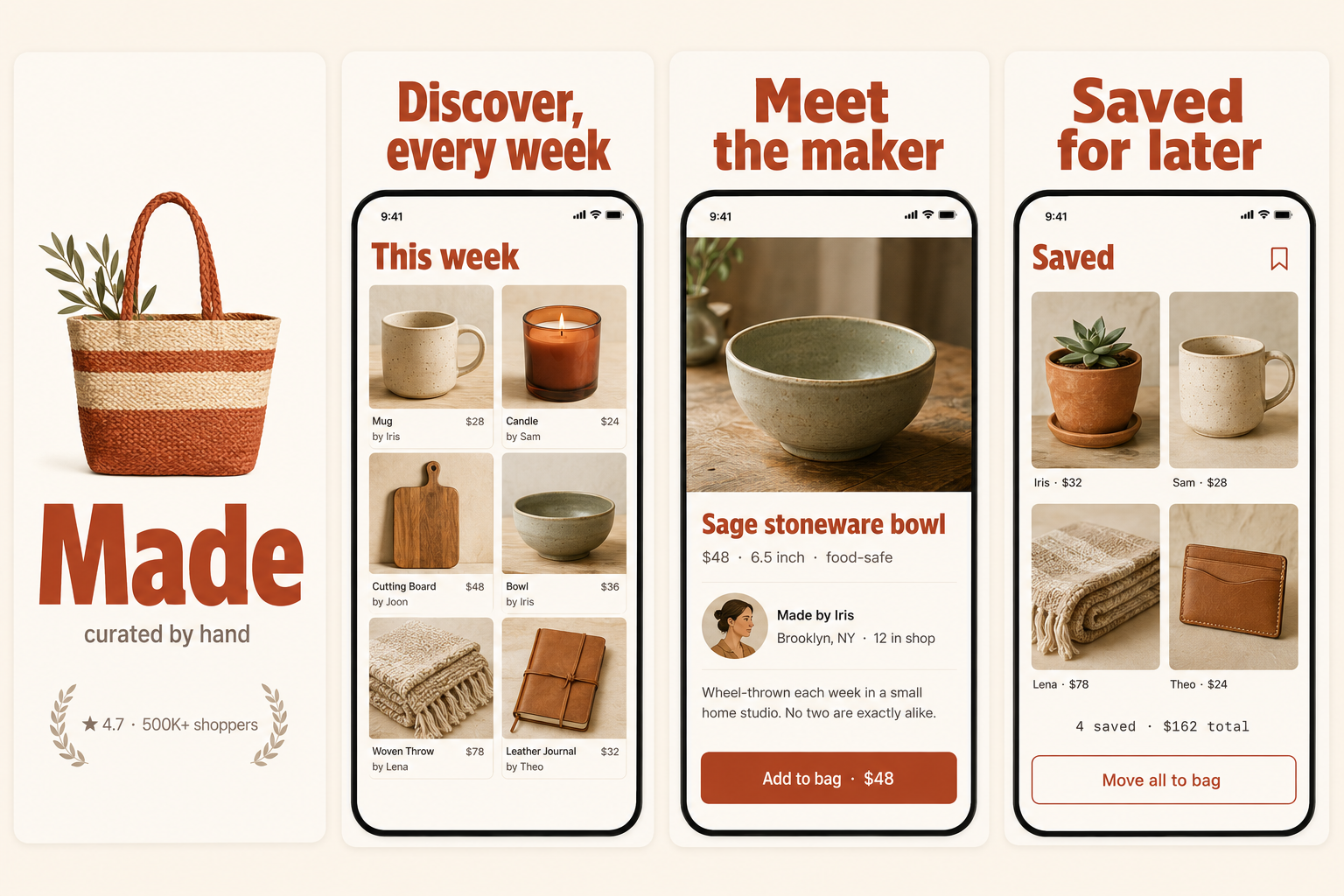
Workflow
Three uploads in. Three polished shots back.
Drop three raw simulator screenshots, name your app, write a one-line pitch. ShotStudio writes the headline, picks the preset, and returns three 1290×2796 shots ready for App Store Connect — in under a minute.
Upload three screenshots
Hero feature, differentiator, one more. PNG or JPEG, up to 10 MB. Never written to disk.
Name your photo editing app
App name, one-sentence pitch. Example: "A photo editor with one slider that makes any snapshot look shot on 35mm film." — we write the headline and pick the preset.
Download three polished shots
1290×2796 sRGB PNGs, no watermark. Click-to-edit any text on the preview before exporting.
FAQ
Photo editing apps screenshot questions
Should photo-editing screenshots use before/after comparisons?
Yes — before/after is the highest-converting shot type in this category. Show a believable flat input and a striking finished output. Just keep the "after" achievable so buyers aren't disappointed by their own results.
Should I show the editing tools at all?
On a secondary shot, briefly. Lead with the result. The buyer downloads for the payoff, not the panel — show what their photos will look like before you show how to get there.
Why Bold for photo editing apps?
Because visual results reward visual confidence — oversized type lets the finished image breathe and feel premium. Bold gives you that. The palette is sampled from your example edits, so the marketing matches your actual aesthetic.
Tools compared
What photo editing apps usually get built in
Most indies shipping photo editing apps reach for a template editor or a monthly subscription first. Both work — here's the honest read on when they're the better call and when a $7 one-time set is.
Read next
Before you upload anything
Get the spec right first — a photo editing app listing gets rejected for the same three reasons as everyone else's.
Related categories
More on creative, media & game apps
Art-forward categories where the hero shot has to land the vibe at thumbnail size.
Nothing close enough? Browse App Store screenshots by app category — all 40 of them, grouped by what the carousel has to prove.