Best App Store screenshot generators in 2026 — an honest indie's guide
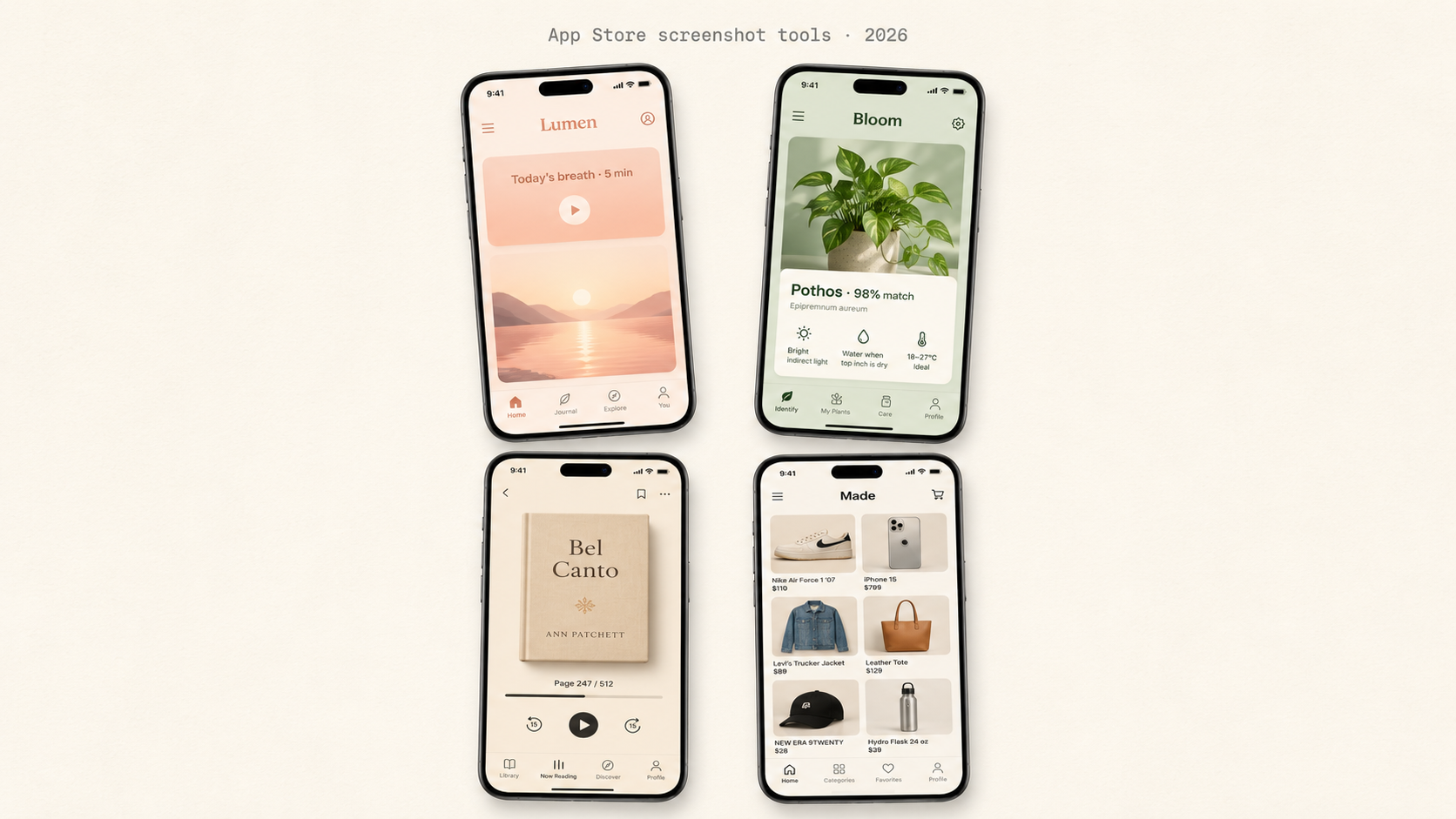
App Store screenshot generators are tools that produce App Store Connect-ready screenshots (1290×2796 portrait, sRGB, no transparency) from raw app screenshots or templates. The main ones shipping in 2026 are AppMockUp, Previewed, Rotato, Shotbot, Screenshots.pro, and ShotStudio.
Disclosure: I built one of them (ShotStudio), so read this knowing the bias and judge the rest on whether it gives you useful information anyway. Most "best of" lists in this category are SEO bait written by people who haven't shipped an app — this one is written by someone who has.
The honest truth: there is no single best tool. There's the right tool for your situation, which mostly comes down to two questions:
- How often do you do this? Once or twice a year, or constantly?
- Do you have design skills? If yes, you want control. If no, you want opinions.
The matrix below maps the main tools against those two axes. Below the matrix, I cover each tool with its real strengths and real gaps.
The 60-second matrix
| Tool | Best for | Pricing | Output spec | |---|---|---|---| | ShotStudio | Indies launching once a year, no design background | $7 one-time (2 sets) | 1290×2796 PNG, AI-styled | | AppMockUp | Designers shipping multiple platforms a year | Subscription | Multi-device templates | | Previewed | Designers wanting pixel-perfect control | Subscription + one-time mix | Multi-device templates | | Rotato | App Preview videos (3D animations) | Subscription | 3D animated mockups | | Shotbot | Mac users batch-processing many apps | One-time + paid templates | Mac app, batch export | | Screenshots.pro | Volume shippers who want one tool covering everything | Subscription | Browser, large gallery |
ShotStudio — for the indie shipping tonight
What it is: A web app that takes three raw simulator screenshots, your app name, and a one-line pitch, and returns three polished 1290×2796 shots in about a minute. It picks a personality preset from your category (Friendly, Professional, Minimal, or Bold), samples your app's theme and palette from the uploads (so a light app stays light, a dark app stays dark), writes the headline copy with AI, and lets you click-to-edit any text on the preview before exporting.
What's good: $7 to start, credits never expire, auto-refund on failed generations. No subscription. Zero image persistence — uploads pass through memory to the model and are dropped. No images table on our servers, no S3 bucket, no thumbnail cache. AI-written headline is the killer feature for non-designers — you don't have to write the copywriting.
What's not: iPhone 6.7" only in v1 (no iPad, no Mac, no Google Play). Output is opinionated — three shots in a fixed template, four personality presets, theme auto-derived from uploads. If you want pixel-precise control over a custom layout with manually-picked colors, this isn't your tool.
The real bias: I built it. Don't take my word — try it for $7 and ask for a refund if you don't like it. (We don't refund cash, but we refund credits automatically when generations fail. So functionally: if you generate one set and don't like it, you've spent $3.50 and learned something.)
AppMockUp — for designers with multiple platforms
What it is: A browser-based mockup tool with a long template library across iPhone, iPad, Apple Watch, Mac, web browsers, and a long list of vintage devices.
What's good: Genuinely large template gallery — useful when you need a specific device or vintage frame. Direct browser tool, no install. Free tier with watermark.
What's not: Subscription priced for a job most indies do once or twice a year. Manual layout work per shot adds up. Output ends up looking like AppMockUp output to anyone who's seen another AppMockUp listing.
Previewed — for the design-savvy
What it is: A designer-aimed mockup tool with strong template aesthetics and multiple device frames.
What's good: Best-looking templates of the legacy mockup tools. Decent free tier. Good for someone with design sense who wants tools, not opinions.
What's not: Pricing model mixes one-time and subscription in ways that make total cost hard to predict. Assumes you know what makes a screenshot convert — gives you a clean canvas, not a category-aware preset. Manual layout per shot.
Rotato — for App Preview videos
What it is: A 3D animation tool focused on rotating device mockups and App Preview videos. Different category than the rest of this list — it does animations and 3D, not just static screenshots.
What's good: Genuinely unique — nobody else does the 3D rotating mockup thing as well. Strong for App Preview videos, polished tool from a small team.
What's not: Overkill for static screenshots. Steeper learning curve. Subscription model.
Shotbot — for Mac power users
What it is: A native Mac app for batch-generating screenshots from raw screens, with paid template add-ons.
What's good: True one-time pricing on the core app. Batch processing for multiple device sizes is genuinely useful. Native Mac performance.
What's not: Mac-only — locks out indies on Windows or Linux. Template-driven, no AI styling. Setup friction vs a browser tool the night before submission.
Screenshots.pro — for the volume shipper
What it is: A subscription web tool with a large template gallery covering many app categories.
What's good: Browser-based. Large gallery covering most categories. Decent free tier with watermark.
What's not: Subscription required for watermark-free export. Templates look like templates. No AI styling.
Full Screenshots.pro comparison →
How to actually pick
Skip all the marketing copy — including this post's — and ask yourself two questions:
- Will I ship more than 3 apps in the next 12 months? If yes, a subscription tool you'll actually use is fine. If no, you're paying a year of subscription for a one-night job.
- Am I a designer or do I work with one? If yes, take the tool that gives the most control. If no, take the tool that has the strongest opinions, because your "control" will produce a screenshot that looks worse than a default template.
If you're an indie iOS developer launching tonight, no design background, and you want to be done in under a minute: try ShotStudio for $7 — the three credit packs are laid out on the ShotStudio pricing page, and there is no subscription anywhere in it. Before you generate, read what converts in your own vertical: fitness app screenshots, finance app screenshots, productivity app screenshots, VPN app screenshots and indie game screenshots each want a different first shot.
If you're a designer shipping multiple apps a year and want pixel control: AppMockUp or Previewed are the two best tools in that lane.
If you need App Preview videos: Rotato is genuinely the best in class.
The tools aren't really competing for the same job. Picking the right one matters more than picking the "best" one.
Related
- App Store screenshot sizes 2026 — the only spec that matters
- App Store screenshot tool alternatives — the full index, one page per tool
- App Store screenshots by app category — 40 verticals, with the dos, don'ts and headline patterns for each
- ShotStudio pricing — $7, $17, $37 one-time
Three uploads in. Three polished shots back.
ShotStudio is the indie iOS developer’s screenshot tool — $7 one-time, AI-picked preset, ready for App Store Connect in under a minute.
ShotStudio pricing — $7, $17, $37 one-time · no subscription, credits never expire.
Keep reading
- App Store screenshots by app category — what converts in your vertical, with headline patterns.
- finance app screenshots — one hero number — net worth, balance, or last-month gain — at a size you can read across the room.
- dating app screenshots — one profile card and one message bubble — the two moments every dating buyer is imagining.
- meditation app screenshots — one stillness image — a slow breath, a sunrise, a single object — instead of a session list.
- App Store screenshot tool alternatives — AppMockUp, Previewed, Rotato, Shotbot and Screenshots.pro compared honestly.