For kids apps
App Store screenshots for kids apps
Kids-app screenshots have two audiences at once: the child who'll use it and the parent who'll buy it. The art has to be bright, rounded, and obviously playful for the kid, while the headline reassures the parent it's safe, ad-free, and educational. Apple's Kids Category has its own review rules, and the screenshots are scrutinized harder than almost any other category — playful but trustworthy is the whole brief.
What converts
What works for kids apps
Bright, rounded, character-forward art that a four-year-old recognizes as "for me".
One parent-reassuring signal — "No ads. No in-app purchases." — somewhere in the set.
A single clear activity per shot (one game, one story, one drawing) instead of a busy menu.
Tiny dense UI a child can't parse — kids apps must look tappable from across the room.
Any hint of ads, leaderboards, or social features — instant parent distrust in the Kids Category.
Muted, sophisticated palettes — they read as an adult app, not a children's one.
Headline patterns
Headlines that work on kids apps
The hero headline does more conversion work than the artwork behind it. These three patterns are the ones that keep landing for kids apps — an outcome with a number in it, a single daily moment, and a promise the buyer can picture. ShotStudio writes yours from your one-line pitch, then every line is click-to-edit on the preview.
- Shot 01
“Learning that feels like play”
- Shot 02
“Safe by design. No ads, ever.”
- Shot 03
“20 minutes a day, parent-approved”
Same rule everywhere in the carousel: shot 1 sells the outcome, shot 2 shows the workflow, shot 3 shows the differentiator.
Preset · Friendly
The friendly preset, applied
ShotStudio defaults kids apps to the Friendly personality preset. Voice: warm, plainspoken, talks-to-a-peer. Typography: rounded sans-serif, generous letter-spacing, warm and humane. Theme and palette are sampled from your uploads, so the marketing matches your actual app — override the personality on the wizard step if you want a different one.
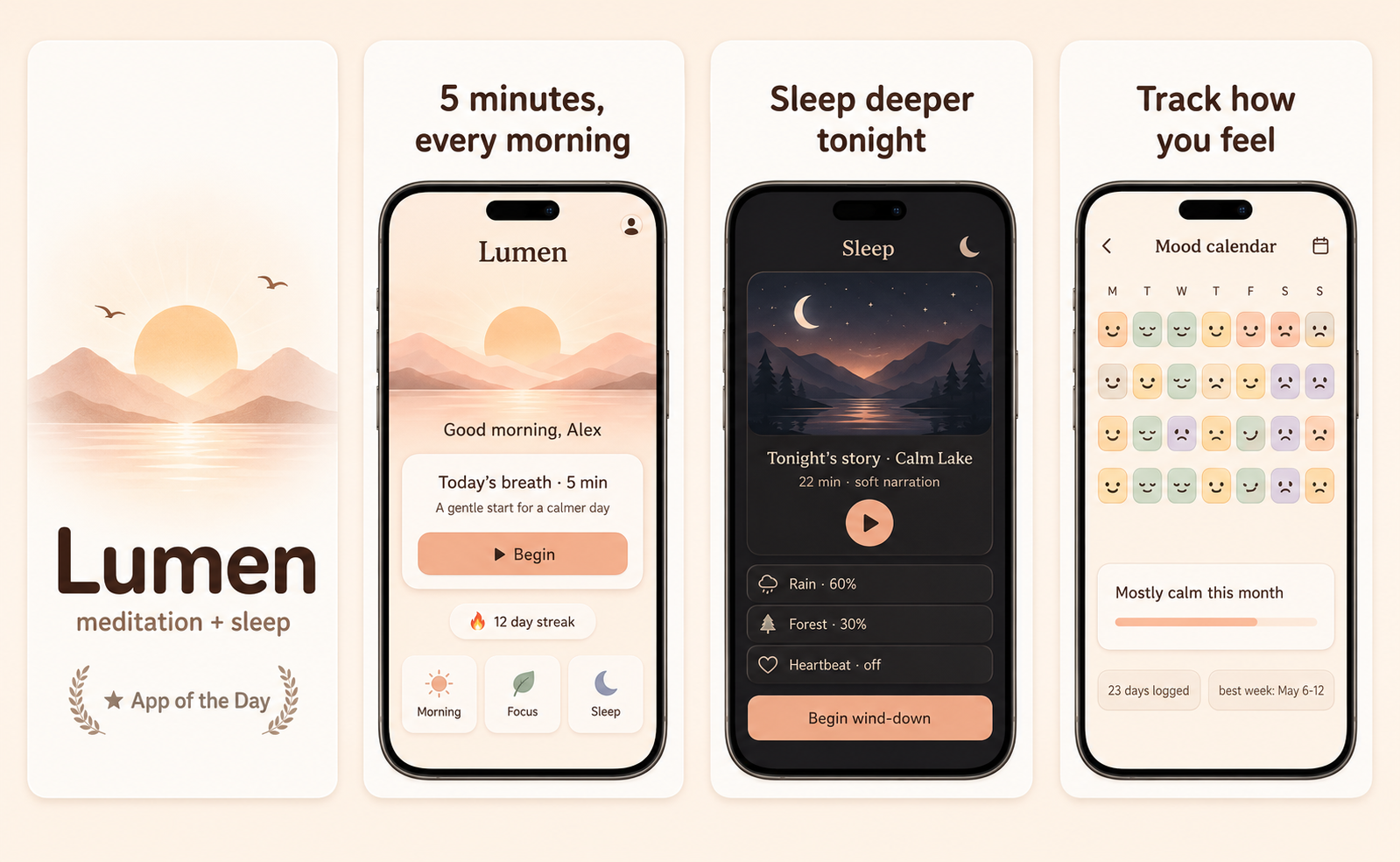
Workflow
Three uploads in. Three polished shots back.
Drop three raw simulator screenshots, name your app, write a one-line pitch. ShotStudio writes the headline, picks the preset, and returns three 1290×2796 shots ready for App Store Connect — in under a minute.
Upload three screenshots
Hero feature, differentiator, one more. PNG or JPEG, up to 10 MB. Never written to disk.
Name your kids app
App name, one-sentence pitch. Example: "An ad-free phonics game where kids read their first 50 words by drawing them." — we write the headline and pick the preset.
Download three polished shots
1290×2796 sRGB PNGs, no watermark. Click-to-edit any text on the preview before exporting.
FAQ
Kids apps screenshot questions
Are there special screenshot rules for the App Store Kids Category?
Yes. Kids Category apps face stricter review, and screenshots must not depict ads, in-app purchase prompts, or external links. Showing an ad-free, purchase-free experience in the screenshots themselves helps reviewers and reassures parents.
Should kids-app screenshots show children using the app?
Generally avoid real children's faces — they trigger privacy review. Lead with the in-app art and characters; the child sees themselves in the character, and you sidestep the consent problem entirely.
Why Friendly for kids apps?
Because rounded, warm type and plainspoken copy match what both kids and parents trust. Friendly gives you that. Bright palettes come from your uploads, so a rainbow app stays a rainbow.
Tools compared
What kids apps usually get built in
Most indies shipping kids apps reach for a template editor or a monthly subscription first. Both work — here's the honest read on when they're the better call and when a $7 one-time set is.
Read next
Before you upload anything
Get the spec right first — a kids app listing gets rejected for the same three reasons as everyone else's.
Related categories
More on social, dating & family apps
People-first shots. The screenshot has to show the moment the app creates between humans, not the feature list.
Nothing close enough? Browse App Store screenshots by app category — all 40 of them, grouped by what the carousel has to prove.